A visual builder for AI agents, from the first block to a deployed agent
AIngenieur lets teams build AI agents visually: they drag blocks onto a canvas, connect them to the apps and models they already use, and deploy. We designed the web app, its dashboards and the landing page.
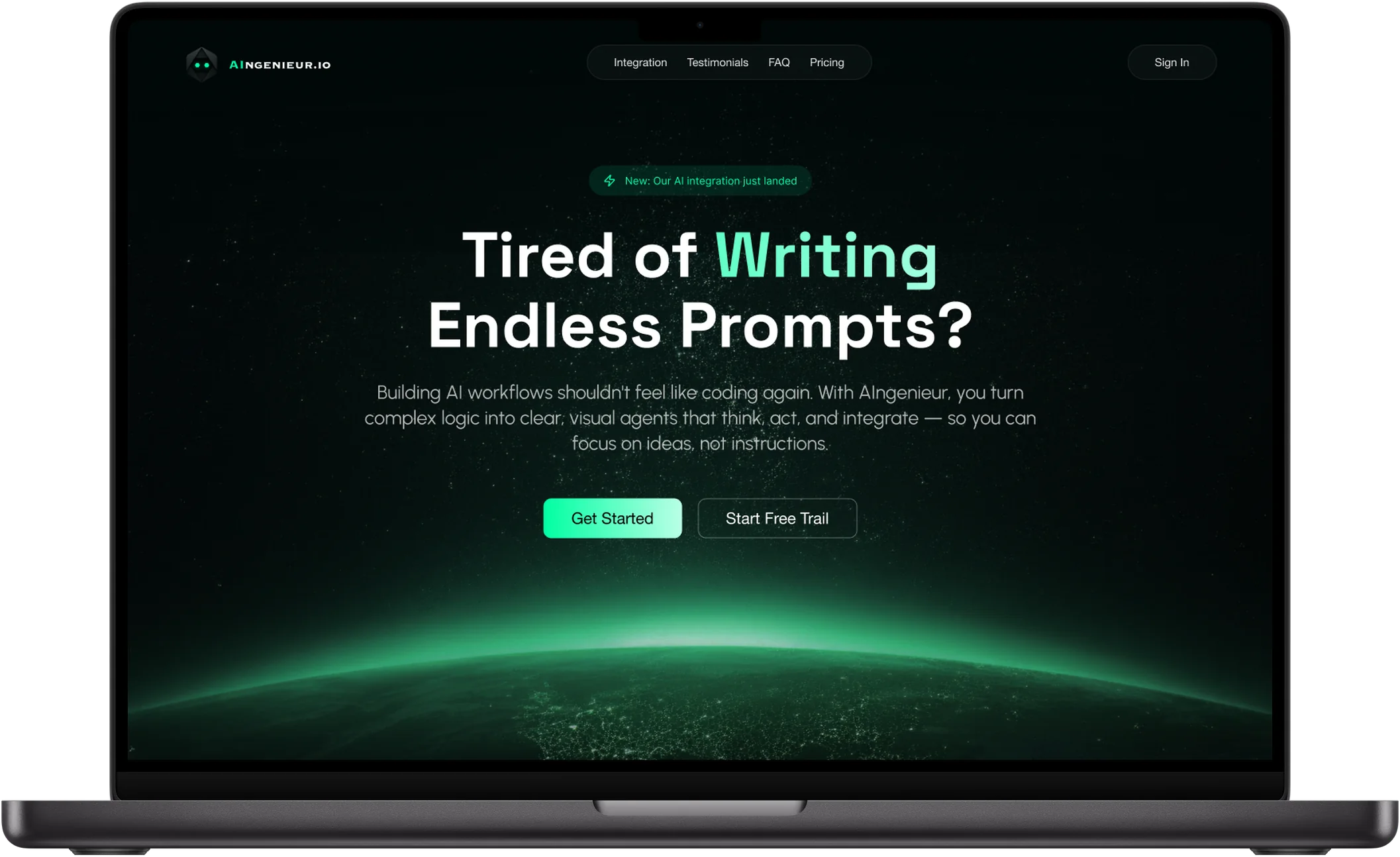
- Services
- Product & UX design, Websites & e-commerce
- Platforms
- Web app and landing page
- Delivered
- Agent builder, agents, API keys, usage and plans, demo, support, landing page
The challenge
Teams building with AI juggle automations, scattered APIs and brittle scripts. AIngenieur set out to make an agent something you can see and edit, not code.
What we built
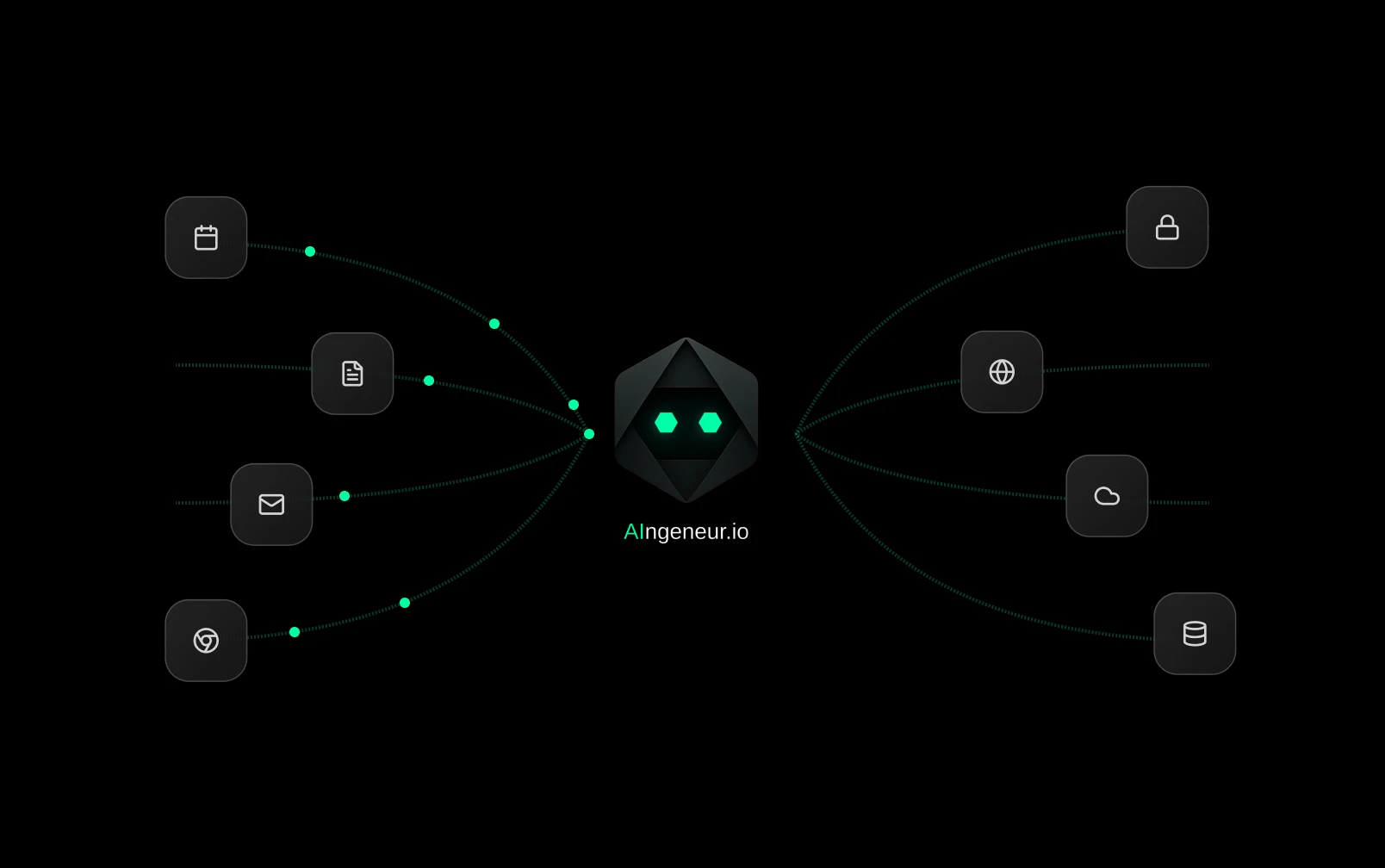
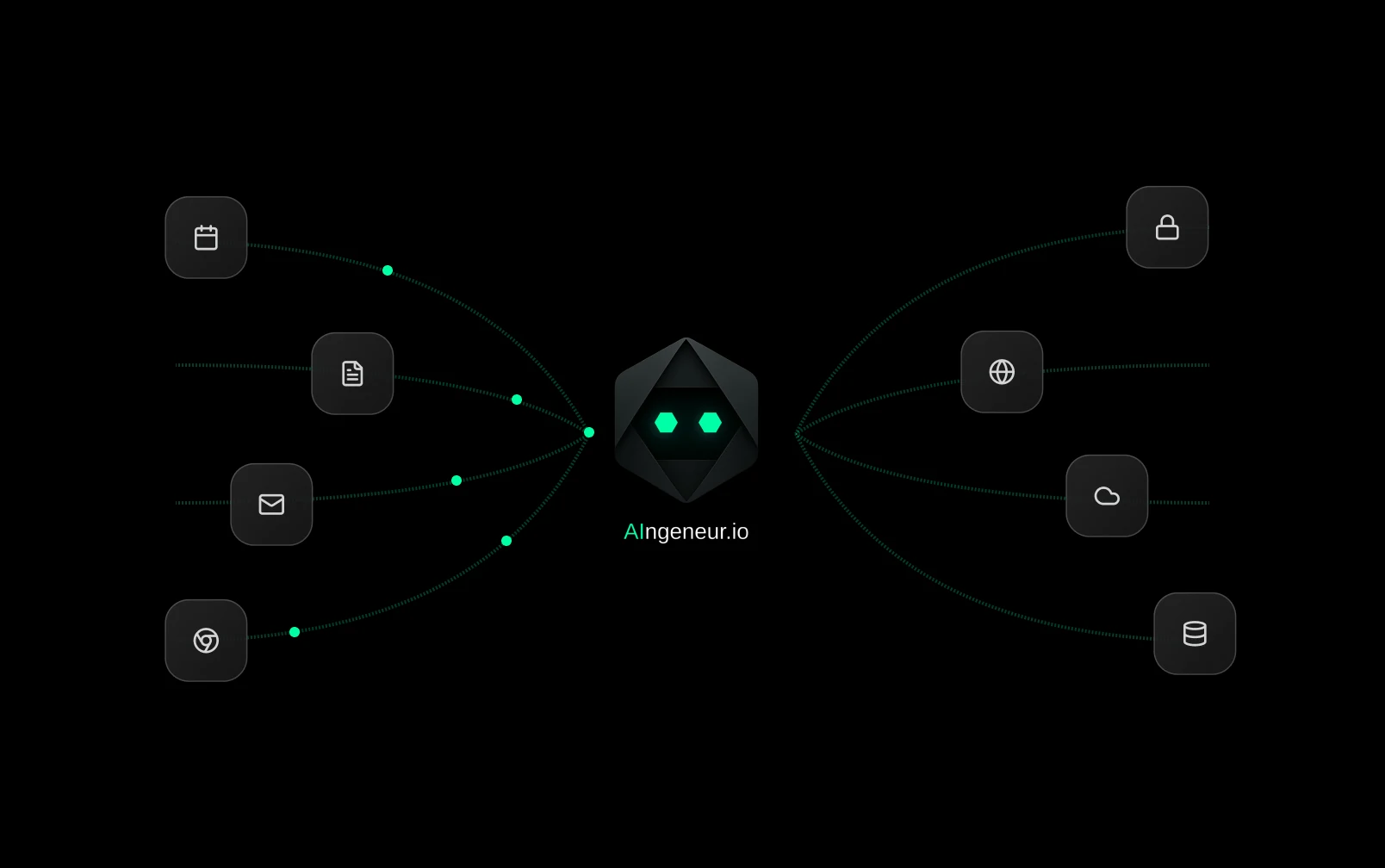
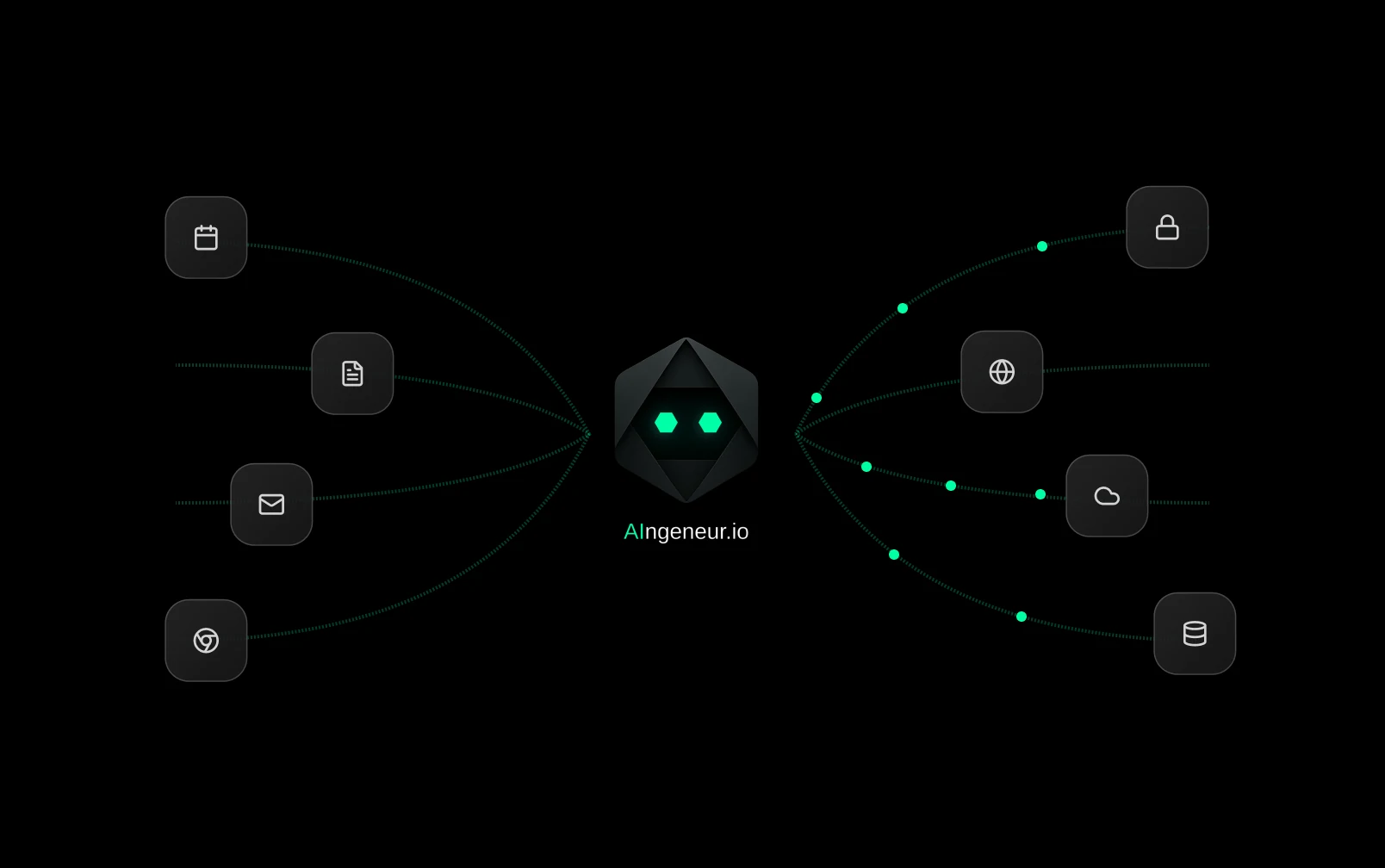
The canvas puts triggers, conditions and agents in one flow, with each step’s prompt and model beside it. Around it sit the agents, API keys, usage and plans, a demo space and support. The landing page explains the whole orchestration in one diagram.
From the first block to a deployed agent
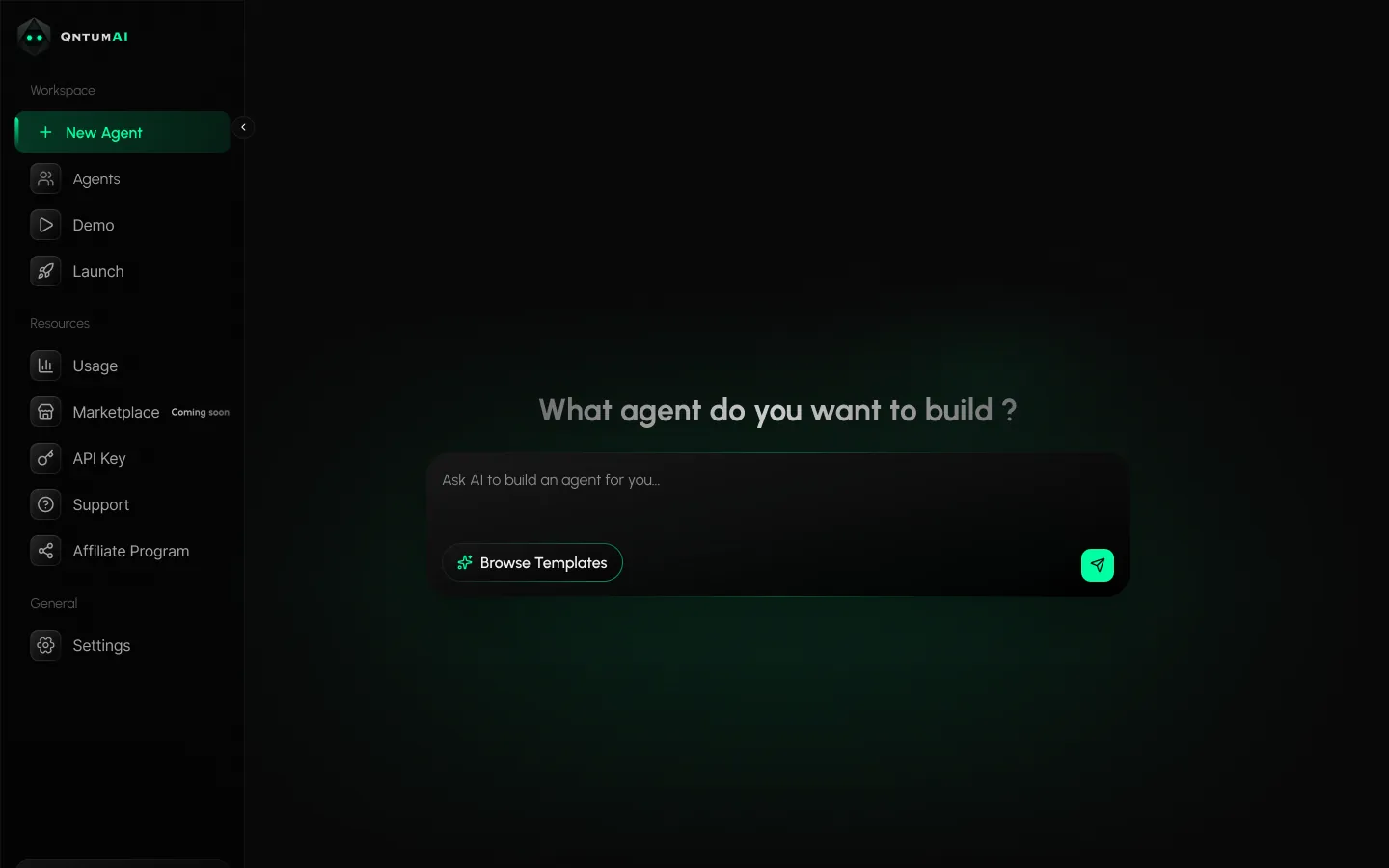
Starting a new agent 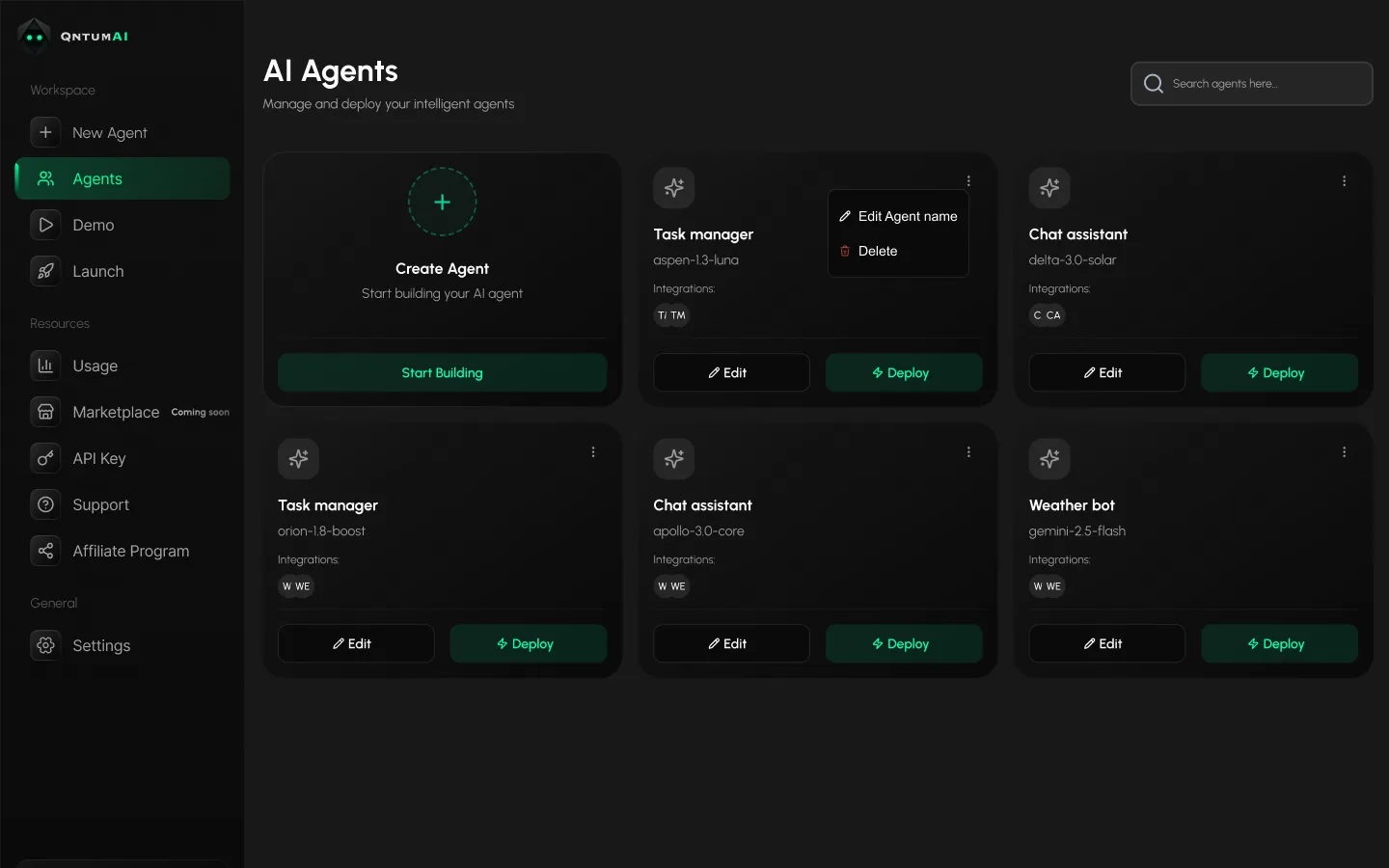
AI agents 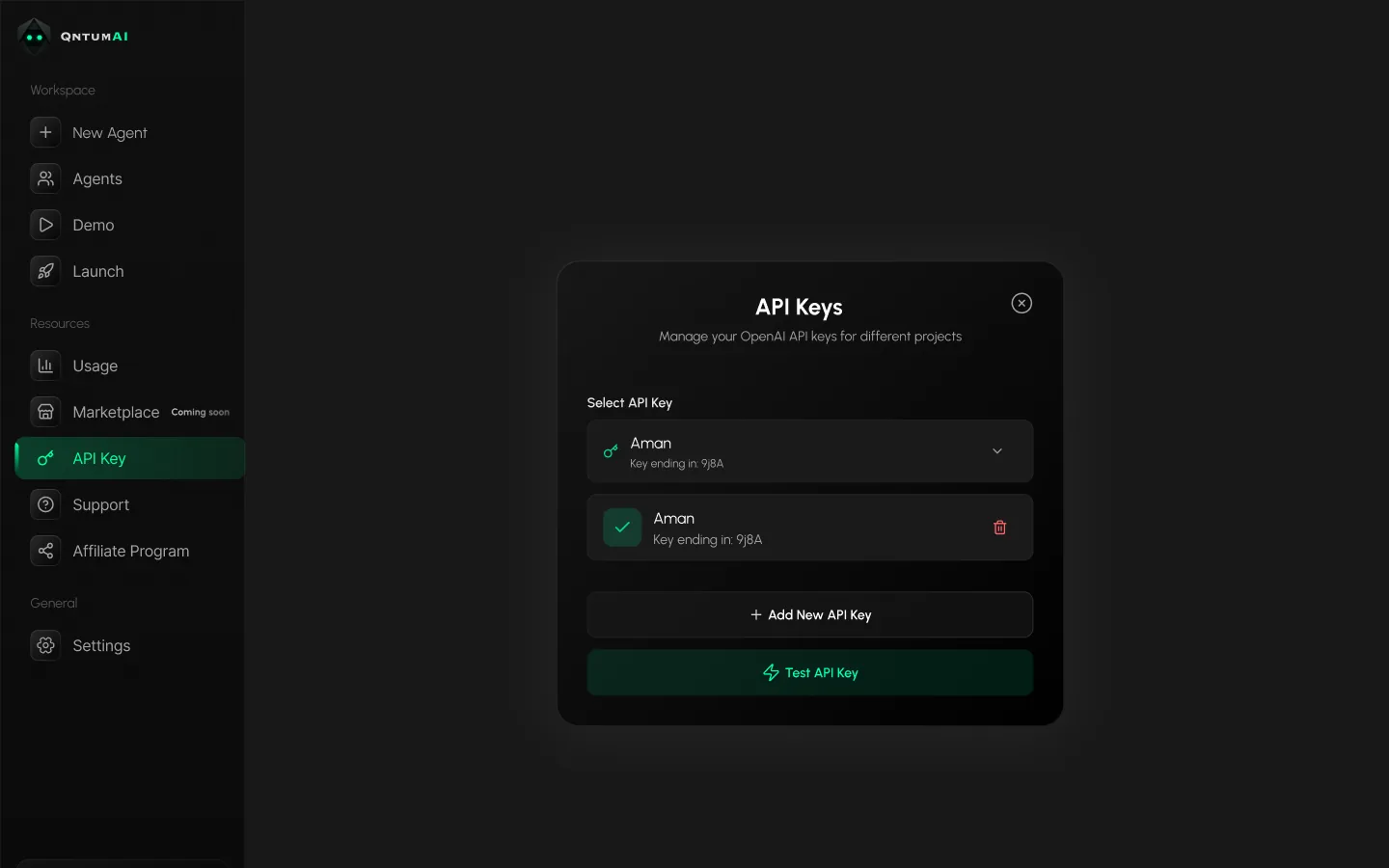
API keys 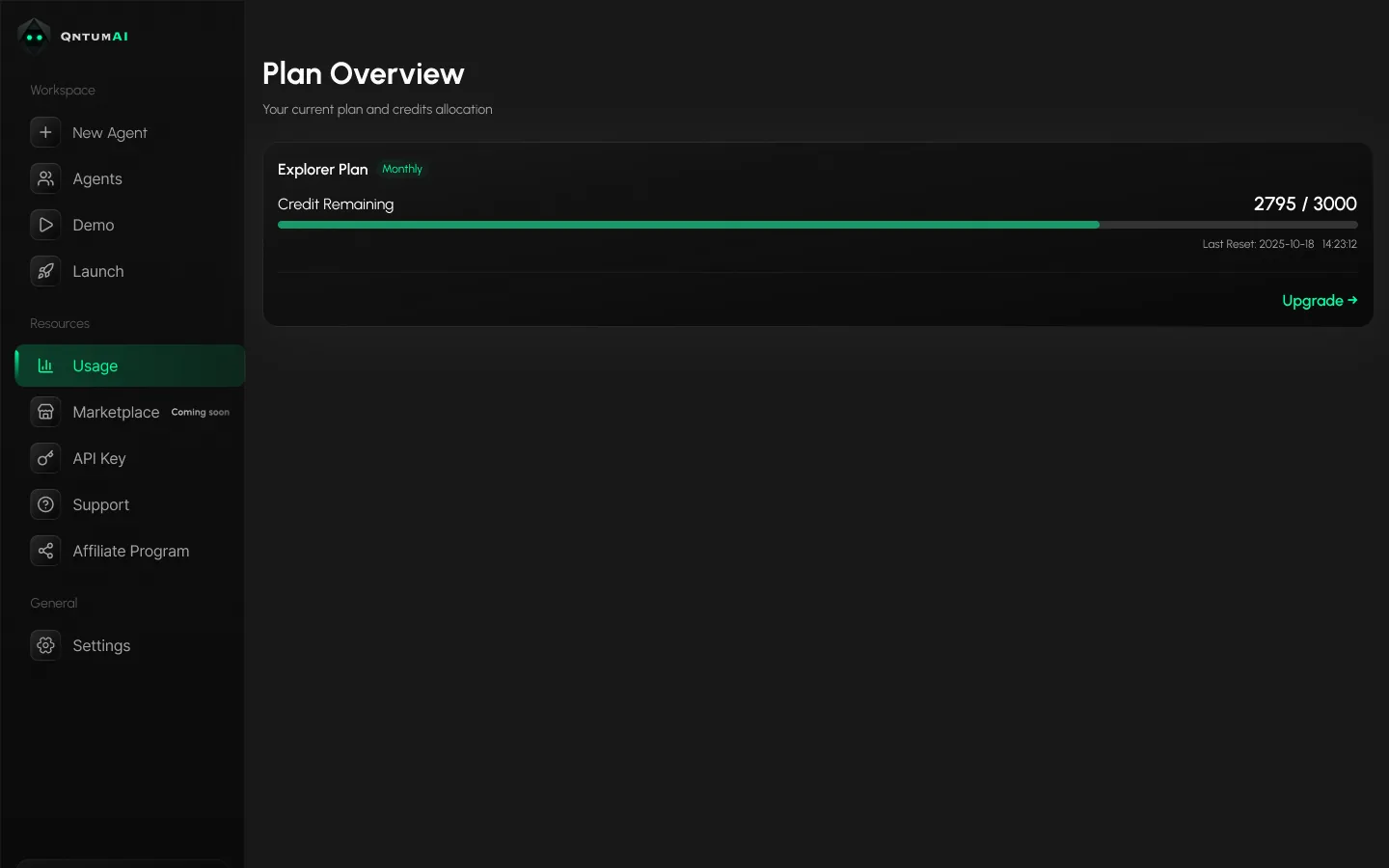
Usage and plans
The components
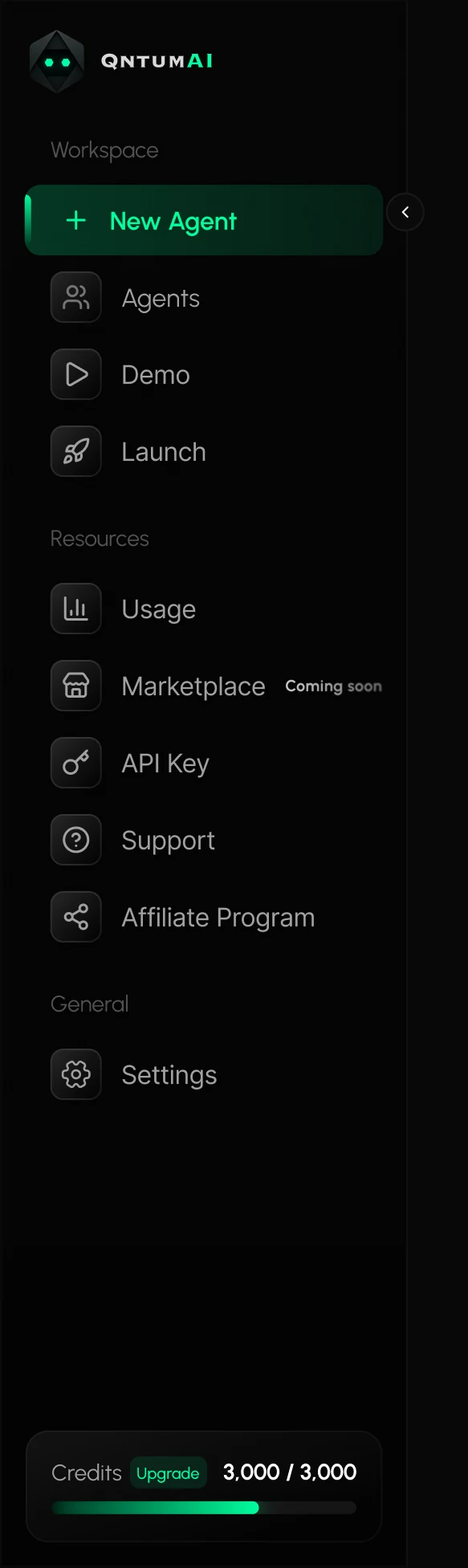
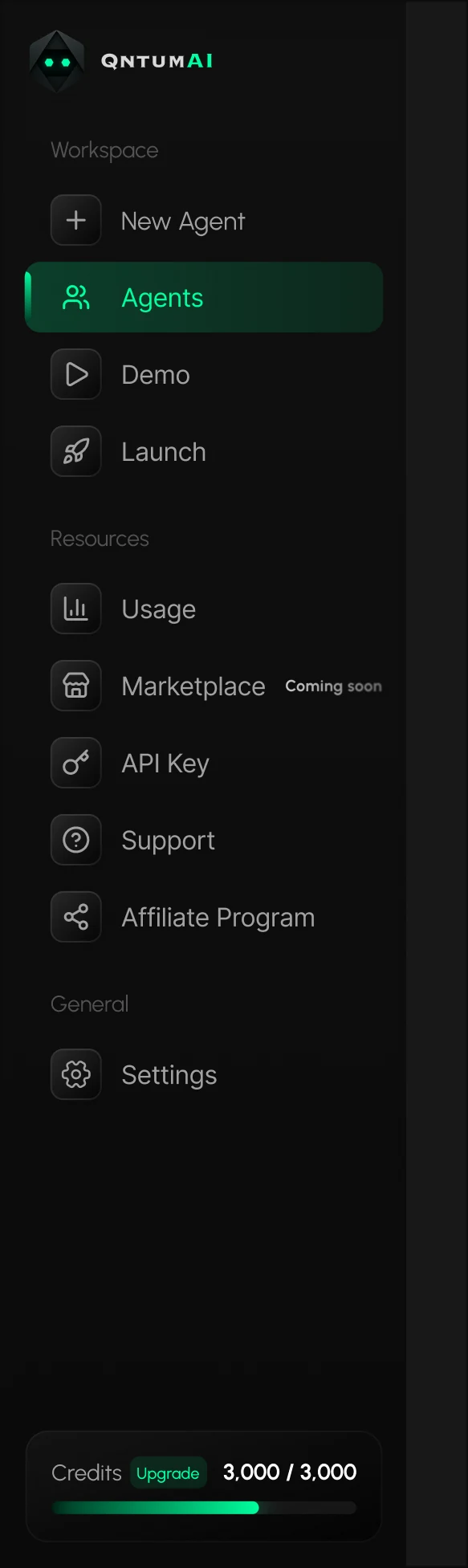
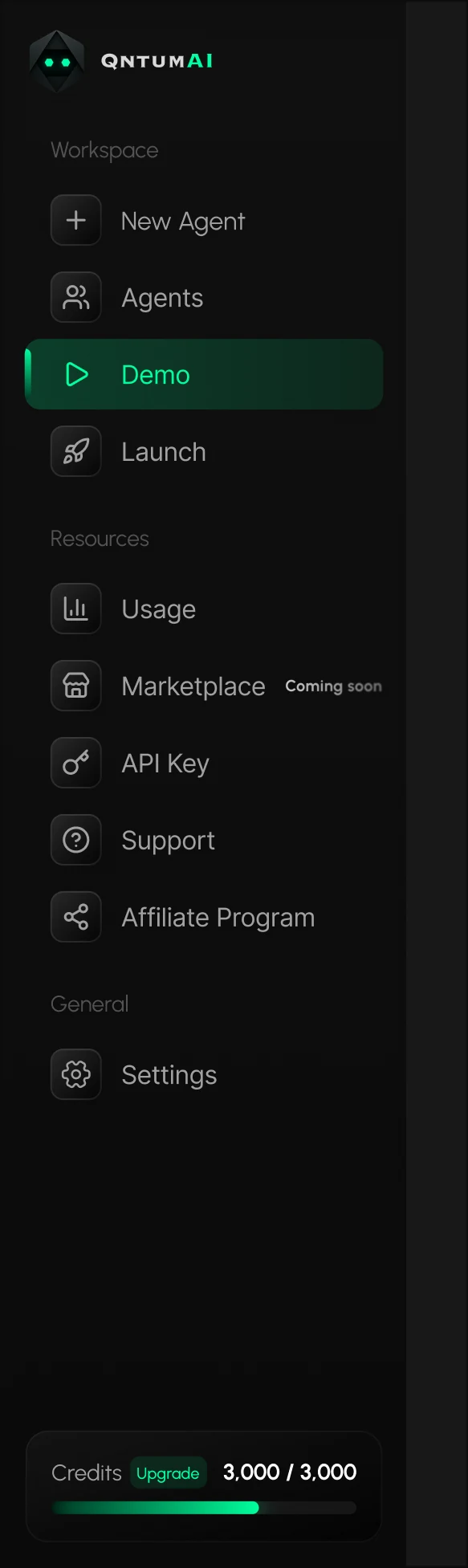
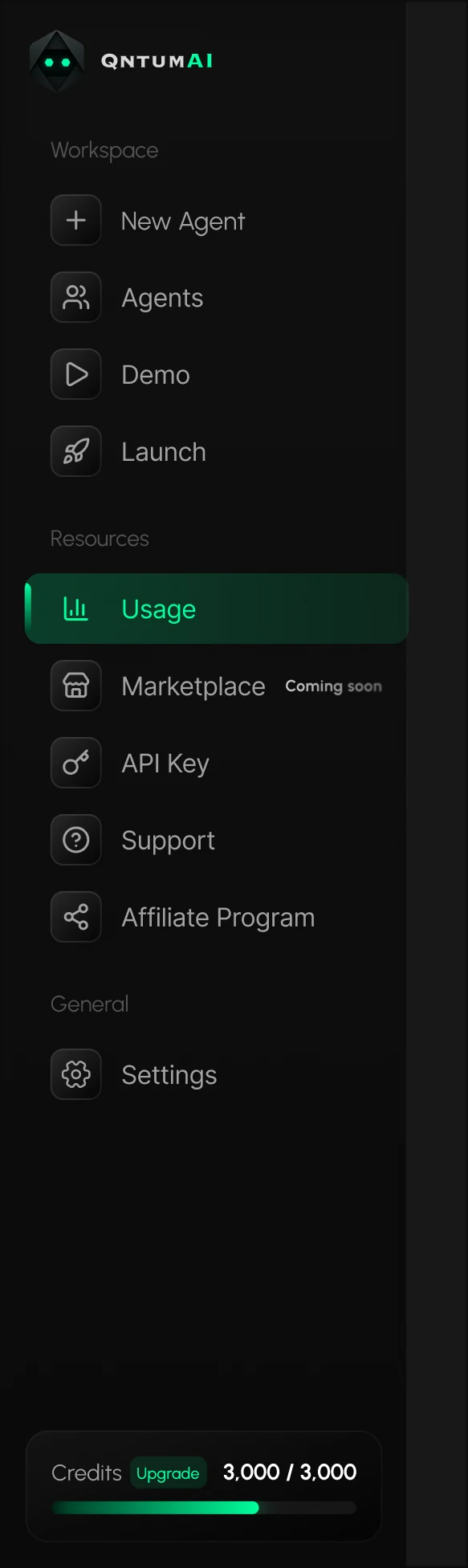
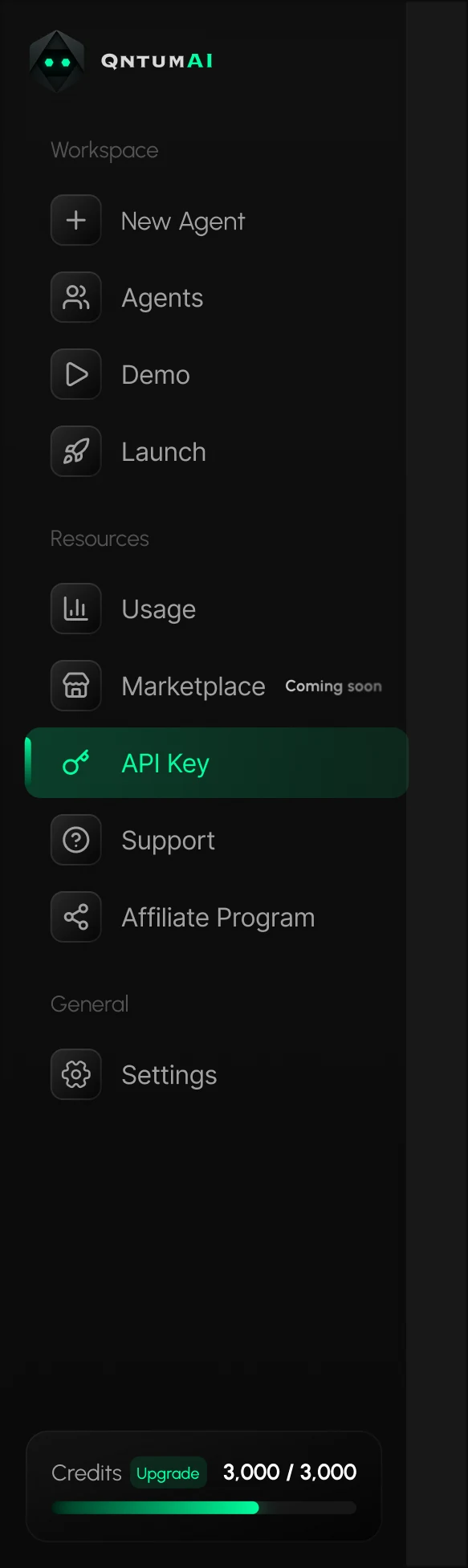
Components from the QntumAI file, as the web app uses them. Its screens are drawn flat, so the sidebar comes from five of them, one per page.
















Have an idea? Let’s make it real.
A free 30-minute call with an engineer. Tell us what you need, then pick a time.